Tagging calls with a Call Flow #
Calls can be tagged directly from ~.pbx.kazoo.name.~ Call Flows, allowing calls to be tagged with categories (Sales, Support...) or flags (VIP...) as they route through the communications platform.
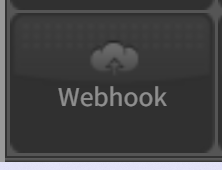
To tag a call from a call flow, add a 'Webhook' to the call flow from the 'Advanced' menu:
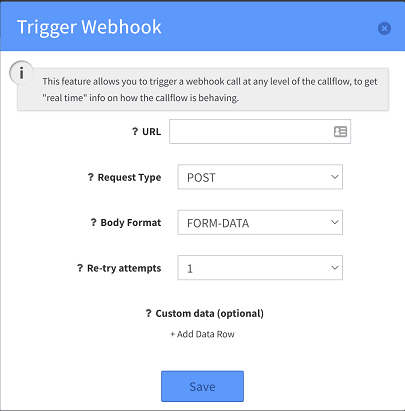
Then configure the webhook with the following parameters:
-
URL: Copy the URL from the Tag page and paste here, remembering to exchange the {value} placeholder with value you wish to tag the call with.
-
Request: POST
-
Body Format: FORM-DATA
warning
Ensure that the value being added to the URL is URL-encoded in order to not break the URL.
info
The tag URL can be copied from the 'Edit' form of the tag instance.